4 Playback
Play back recorded video from your Lorex Home compatible security products. Use the remote control included with your Apple
TV to navigate the playback controls.
- Select a channel or camera from the home screen to begin live viewing.
-
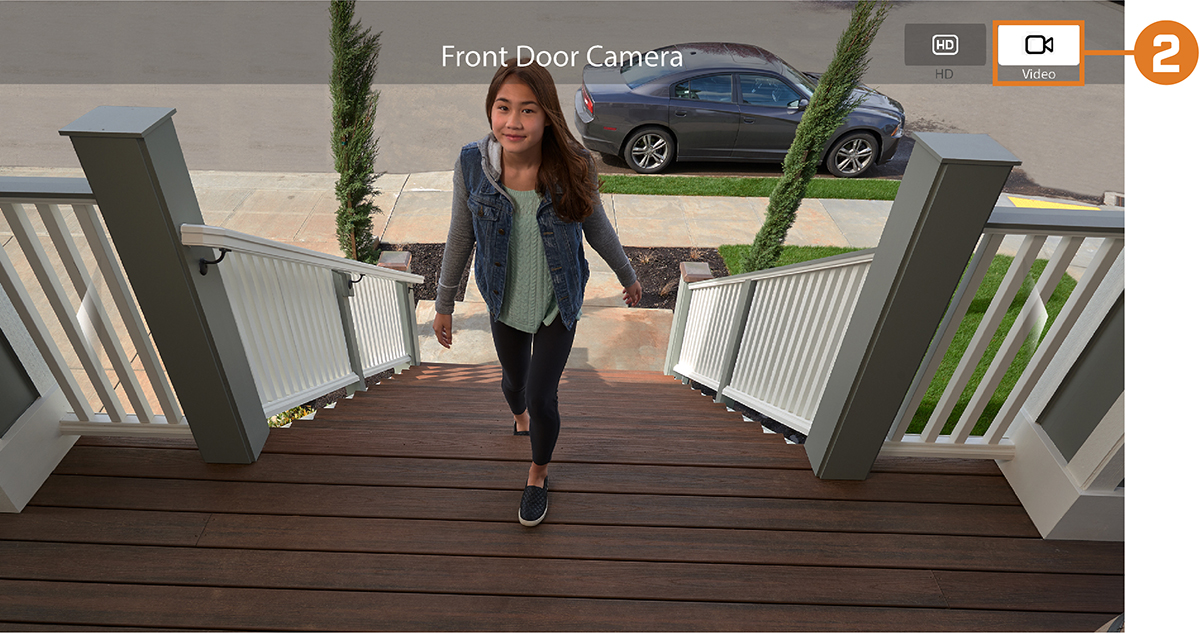
From the live viewing screen, select Video to search for recordings from the selected device.
![Graphic]()
-
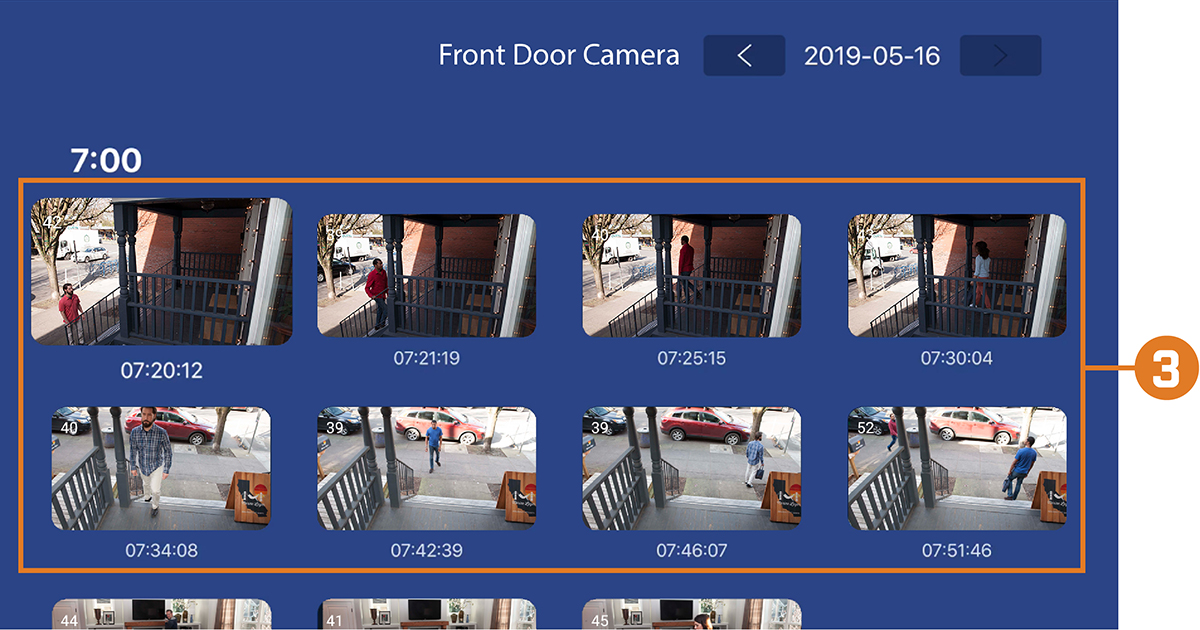
The newest available video recordings appear. Select a video clip to begin playback.
![Graphic]()
To access playback:

4.1 Playback Overview
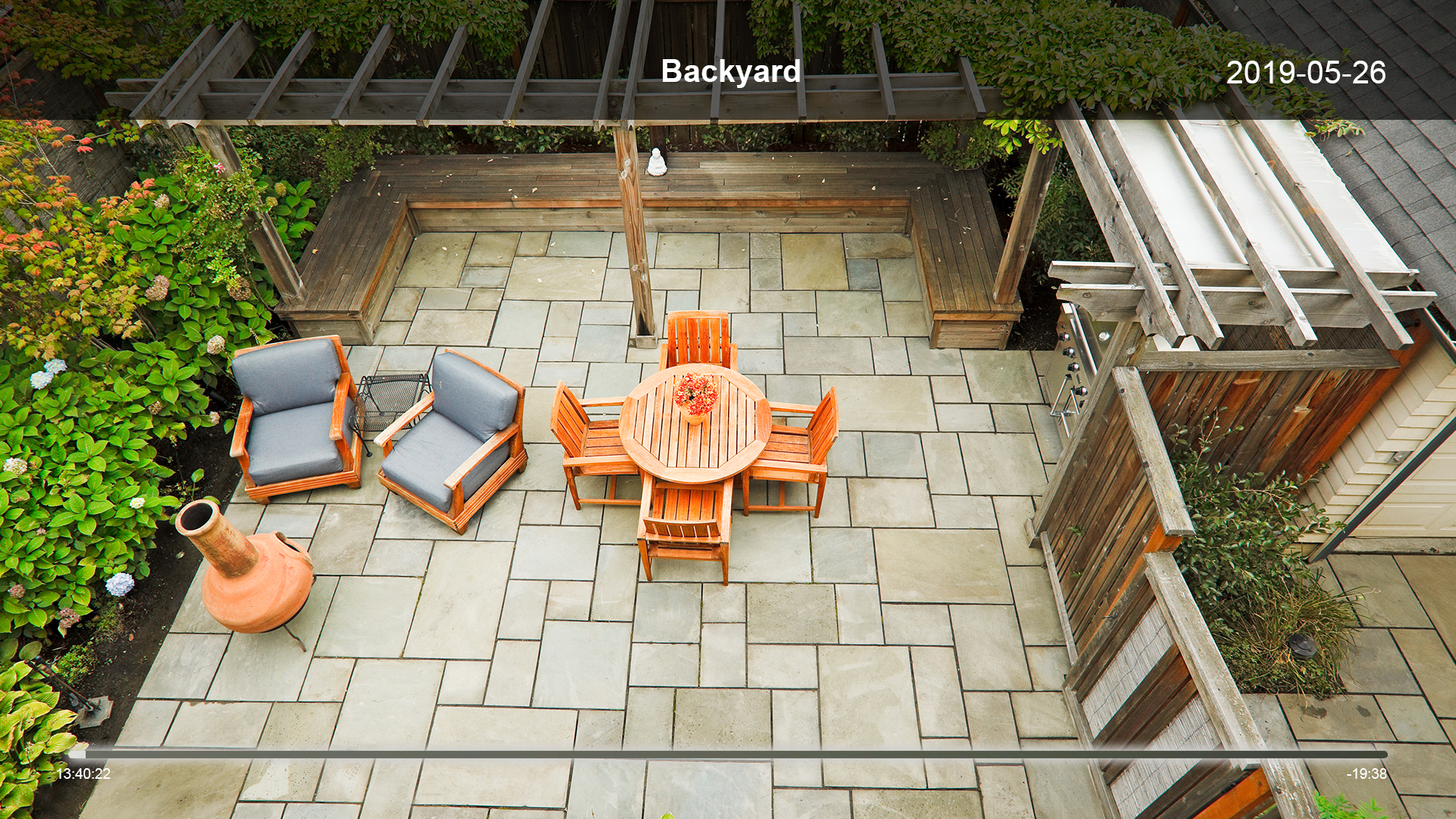
Use the remote control included with your Apple TV to control playback:
- Swipe left / right on the touchpad to move forward / backward in the video.
- Press + / – to increase / decrease volume (audio camera required).
-
Press
![icon]() to pause / play video.
to pause / play video.
 to pause / play video.