Lorex NVRs
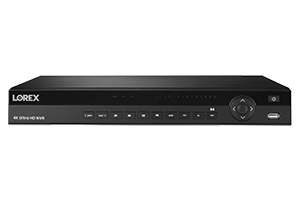
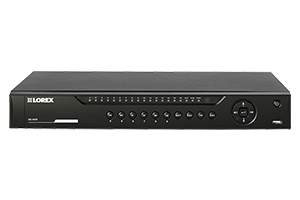
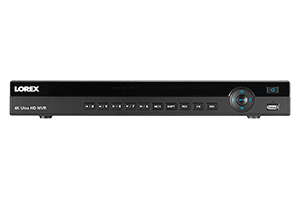
| Model | # of Bays | Max Storage |
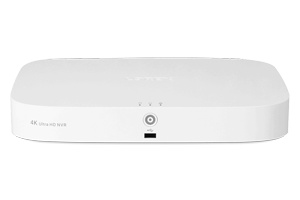 |
1 |
8TB |
 |
1 |
6TB |
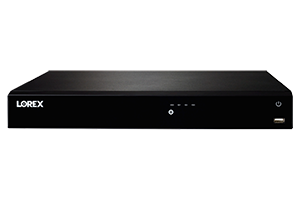 |
2 |
16TB |
 |
2 |
20TB |
 |
2 |
16TB |
 |
2 |
16TB |
Wire-Free DVRs
| Model | # of Bays | Max Storage |
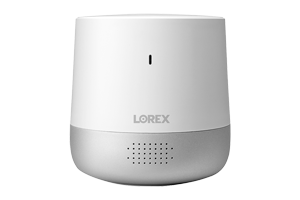 |
1 microSD card |
256GB |
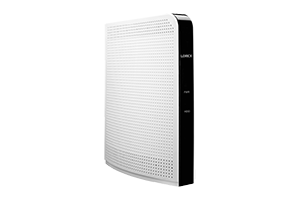 |
1 |
1TB* |
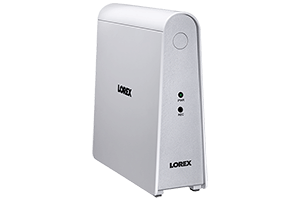 |
1 |
1 × 1TB SATA HDD (2.5" SATA, non-upgradeable) or 1 × 128GB microSD card (Class 10 supported) |
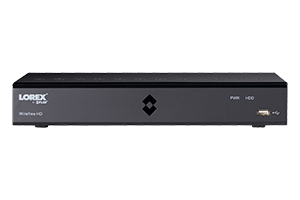 |
1 |
8TB |
*2.5" SATA Hard Drive
Lorex Home Center
| Model | MicroSD | SATA SSD |
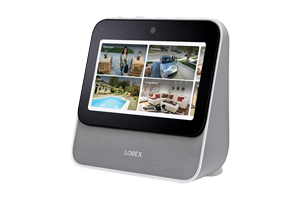 |
256GB |
1TB (M.2 2280 SATA SSD M)* |
*Requires a dual-band router (2.4GHz/5GHz) with 5GHz Wi-Fi network enabled
Lorex DVRs
| Model | # of Bays | Max Storage |
 |
1 |
8TB |
 |
1 |
8TB |
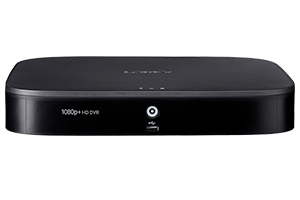 |
1 |
8TB |
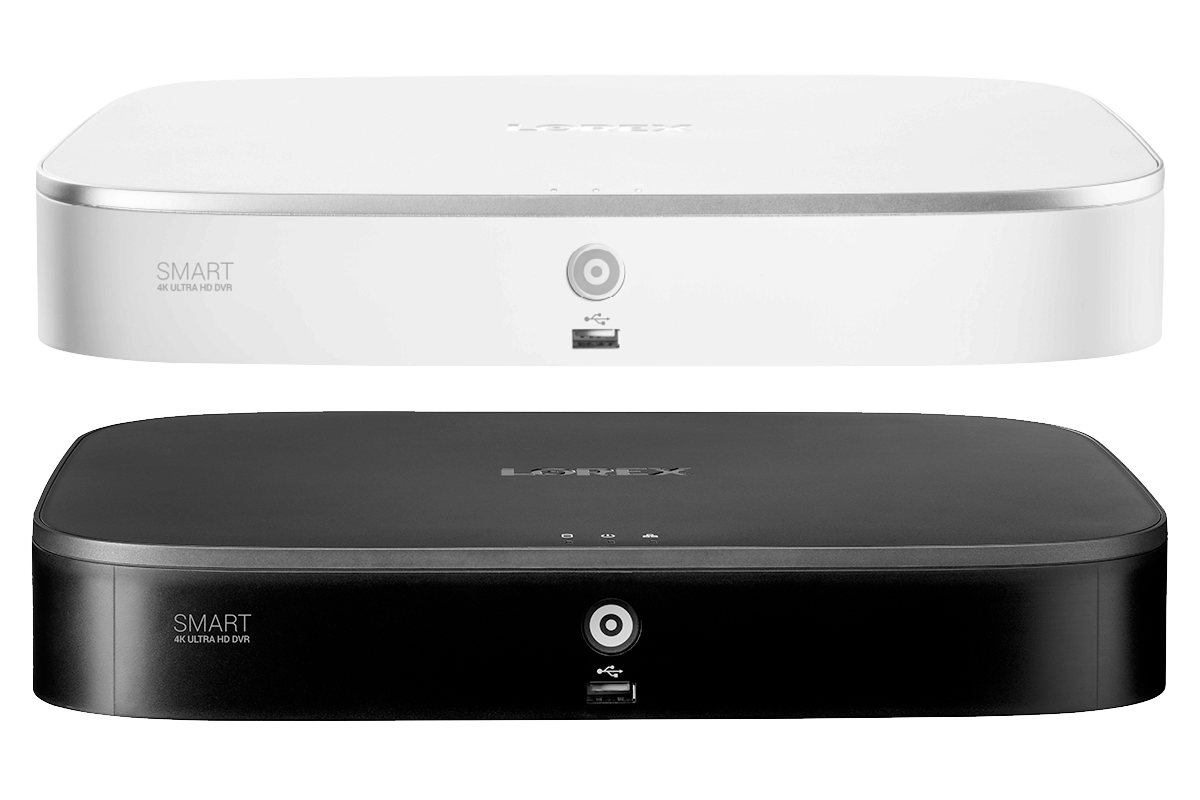 |
1 |
8TB |
 |
1 |
8TB |
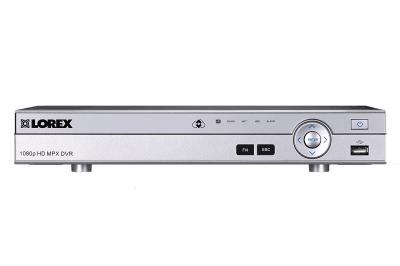 |
1 |
8TB |